Fast, local-first 3D texturing for game developers and 3D artists. Author Base Color, Roughness, Metalness, and Normal maps simultaneously directly on your mesh. Free, open-source, and runs 100% offline with zero telemetry.
A complete, focused feature set for painting game-ready 3D assets. No complicated node trees, no bloated cloud services, just immediate surface painting.
Paint Base Color, Roughness, Metalness, and Tangent Normal relief simultaneously in a single coordinated brush stroke.
Directional camera-space projection with depth testing prevents paint bleeding through thin walls, ears, fingers, or occluded faces.
Each submesh piece gets an independent layer stack, canvas resolution, and undo history. Quickly isolate pieces to reach interior folds.
Select polygon faces to place trim-sheets and texture crops with real-time offset, rotation, and scale before baking to your layer.
Paint directly on the flattened 2D texture map with synchronized wireframe overlays and real-time texel density feedback.
Import standard Photoshop brush collections directly. Includes tip previews, dynamic spacing, angle jitter, and normal relief generation.
Procedural curvature analysis isolates convex ridges for paint chipping and concave crevices for grime and ambient occlusion.
Pin any image overlay to the camera plane. Orbit your model beneath it and paint or stamp decals directly onto curved surfaces.
Non-destructive layers with Normal, Multiply, Screen, and Overlay blend modes, layer opacity control, and dedicated grayscale layer masks.
Export packed Occlusion-Roughness-Metallic textures optimized for Unreal Engine 5, Unity URP/HDRP, Godot 4, and glTF standards.
Directly open .blend files in MeshCoat without intermediate exports. Re-import geometry updates while preserving all paint layers.
Mirror brush strokes, stamps, and erasures across X, Y, or Z axes with customizable mirror plane offsets for characters and props.
Full graphics tablet stylus support. Map pressure independently to brush size, opacity, and hardness with minimum floor thresholds.
Copy any image from your browser or editor and press Ctrl+V to paste it directly as a floating stencil or texture stamp.
Surface filter brush featuring directional smudge along stroke vectors, Gaussian blur across all PBR channels, and retro PSX pixelation.
Constrain paint strictly to selected polygons. Select individual faces, entire connected UV islands, and save reusable selection groups.
11 dedicated primary painting tools and 2 modifier subsystems accessible via established 3D DCC muscle memory shortcuts.
Direct 3D freehand material painter. Writes BaseColor, Roughness, Metalness, and Normal relief directly into texture maps.
[ / ] or Right-Click DragNon-destructive coverage removal. Subtracts layer alpha to reveal underlying layers without corrupting PBR channels.
Single-dab decal projection tool. Places cropped textures or alphas onto 3D surfaces with rotation and scale control.
R / Shift+R (±15°)Point-and-click flood fill. Fills solid colors, cropped textures, or full PBR material sets across pieces, faces, or clicked triangles.
Straight surface-interpolated lines. The line walks screen space and raycasts back onto the mesh, preventing strokes from tunneling.
Drag across the 3D model to paint linear or radial color ramps with multiple color stops and opacity blending.
Surface filter brush that reworks existing paint across four modes: Directional Smudge, Gaussian Blur, Sharpen, and Pixelate.
3D surface sampler. Samples color and material parameters directly from the viewport, including from non-active mesh pieces.
Alt on any active tool for fast samplingSurface masking engine. Restricts painting, stamping, and filling strictly to selected triangles.
Alt+Click selects entire connected UV islandCtrl+Drag to select on any toolTrenchBroom-style face texturing. Select faces, choose a texture region, and adjust placement with a live lit 3D preview.
Direct typography decal tool. Type text, choose installed system fonts, customize fill and stroke, and bake onto faces.
Floating camera-plane stencil overlay. Paint through reference images onto your model or stamp decals in one click.
Ctrl+VHigh-resolution captures of MeshCoat's real production environment and workspace tooling.
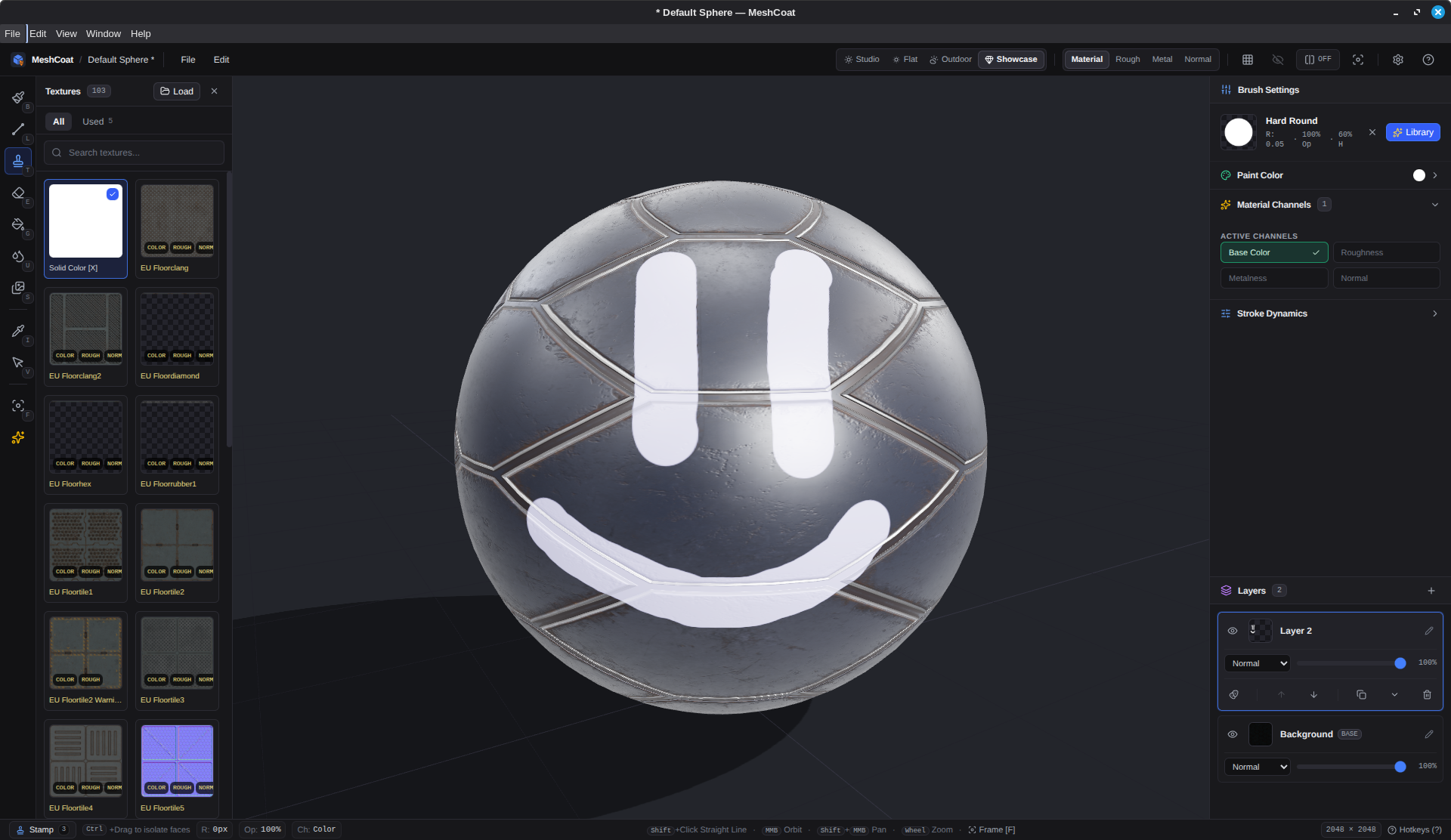
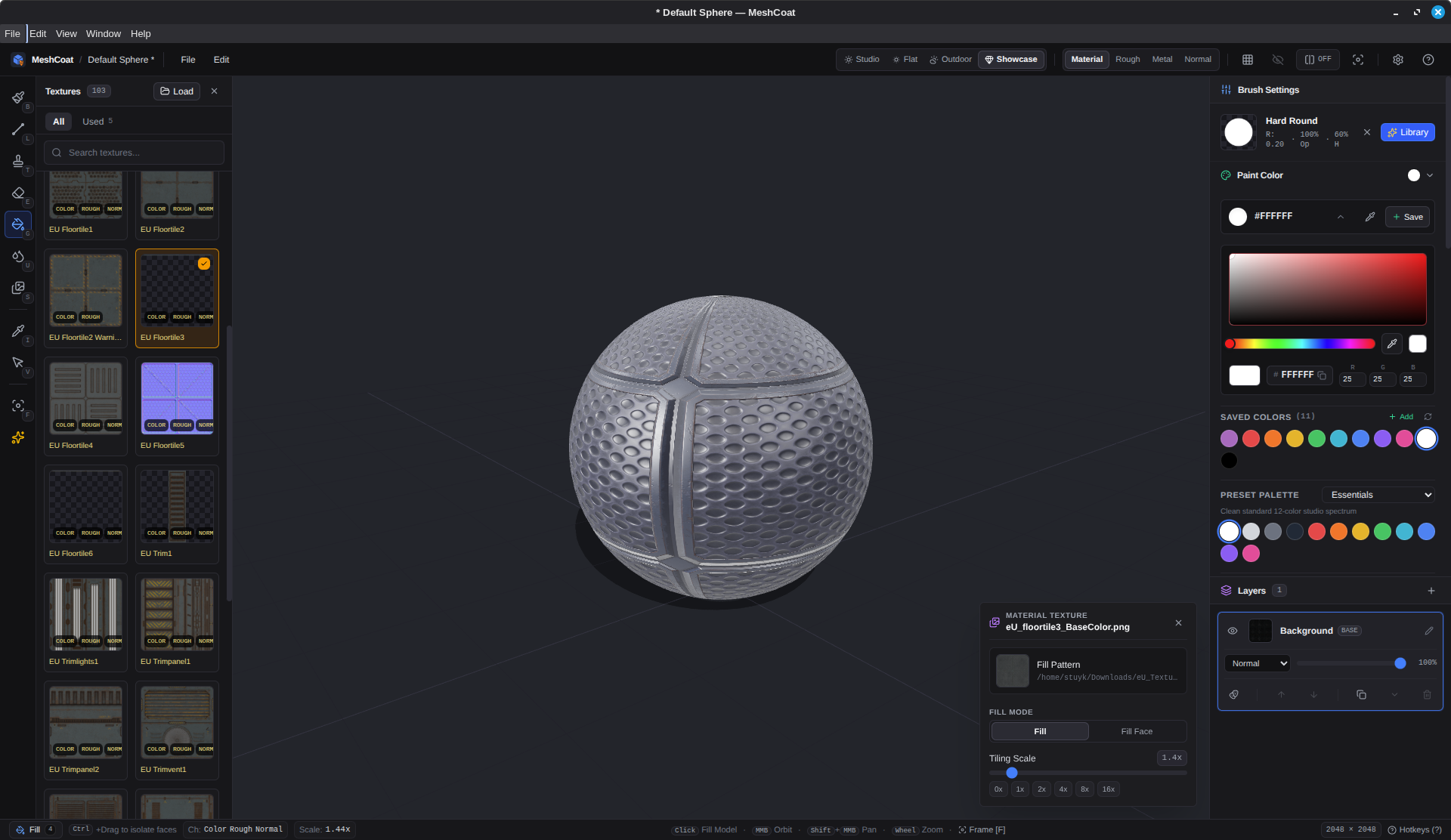
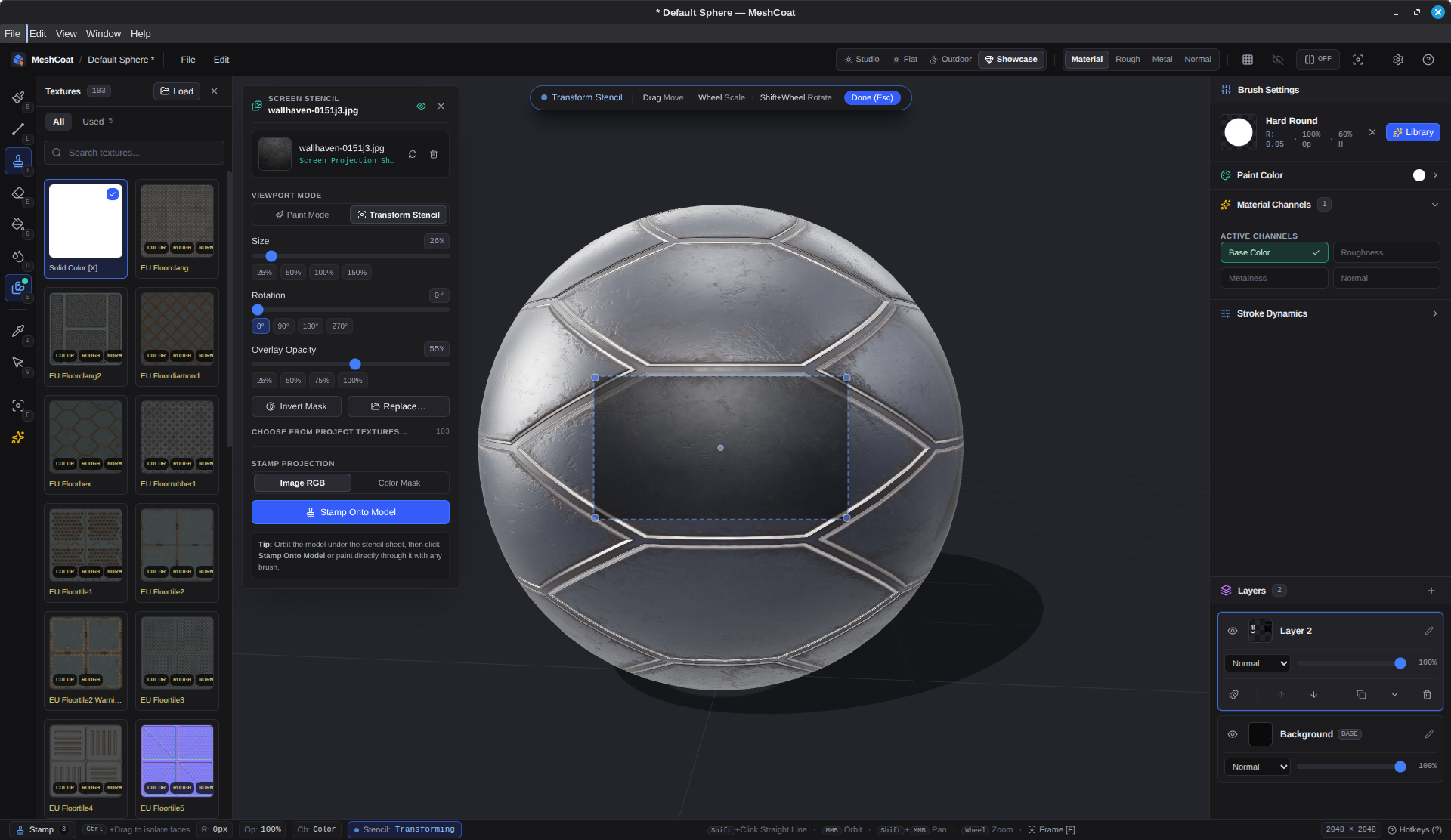
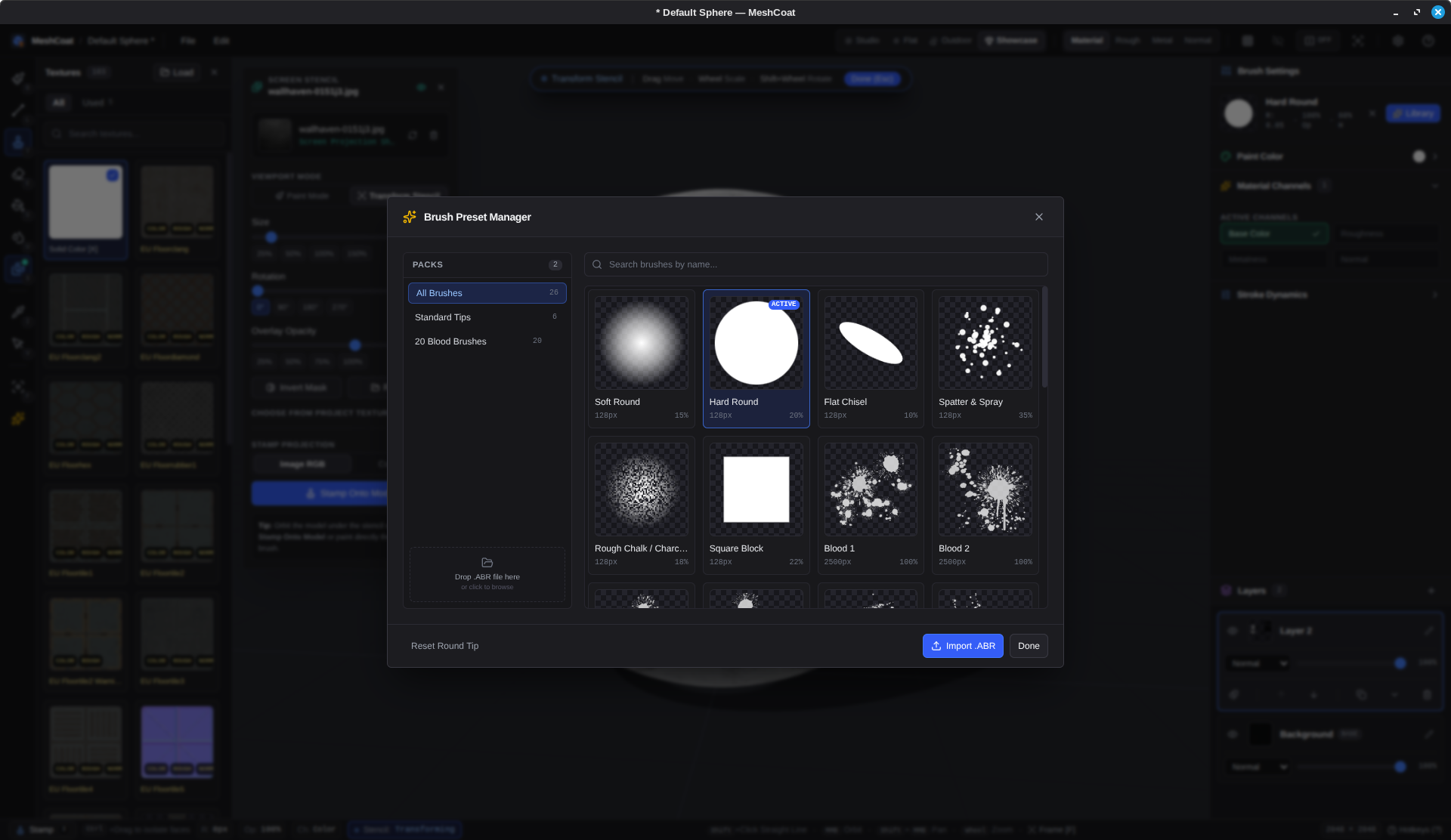
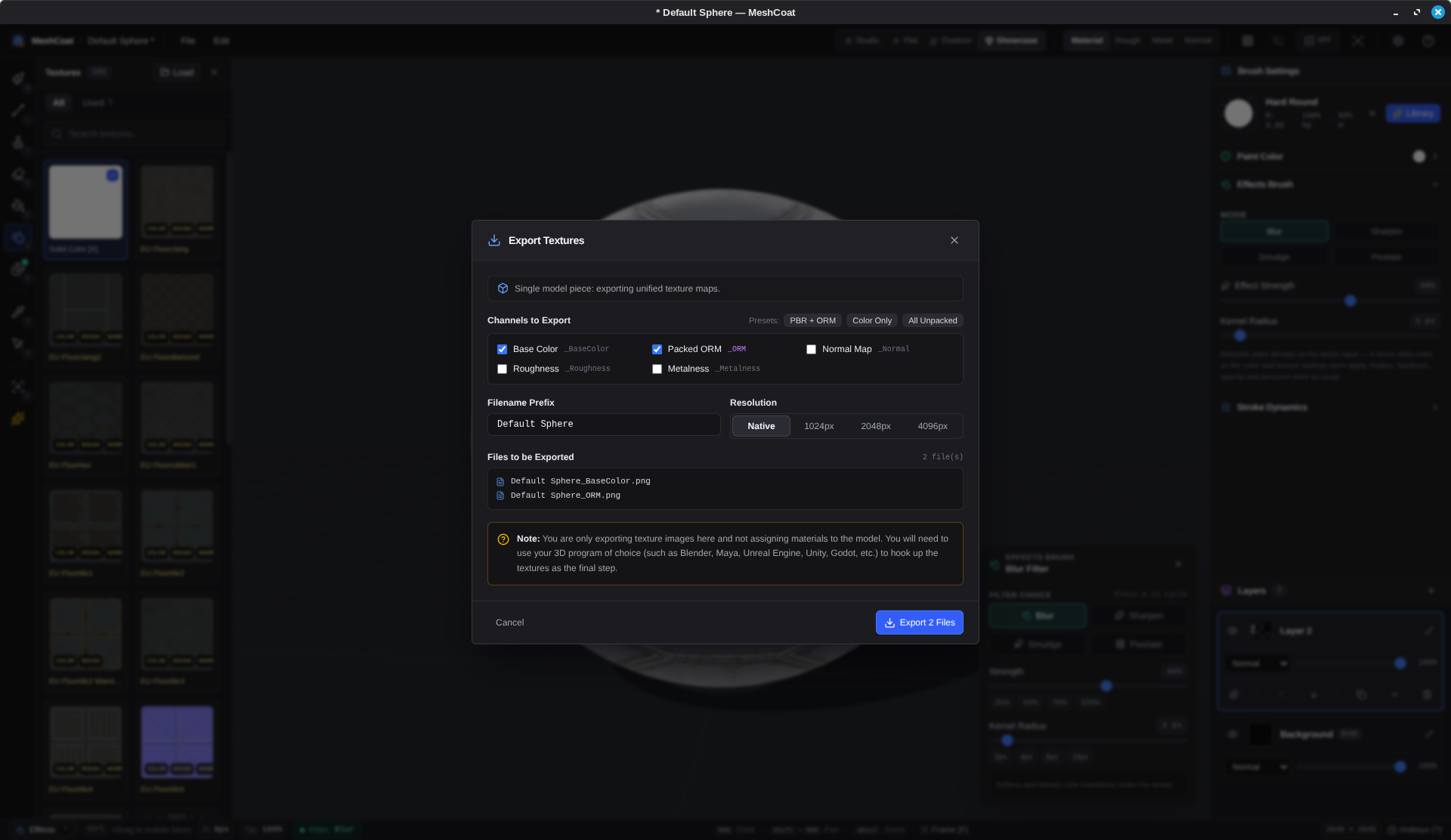
No manual channel recombining in external image editors. MeshCoat packages your painted channels into engine-standard texture maps on export.
_ORM.png directly into your material graph: R → Ambient Occlusion, G → Roughness, B → Metallic. Set Texture Group to Masks (no sRGB).
.blend files in MeshCoat via our built-in headless Blender CLI bridge. Re-import updated models on the fly while retaining all paint layers.
Organized reference of essential workstation shortcuts for rapid keyboard navigation and painting.
| 1 / B | Activate Brush tool (freehand 3D material painting) |
| 2 / E | Activate PBR Eraser tool (subtract layer alpha coverage) |
| 3 / T | Activate Texture Stamp tool (decal placement) |
| 4 / G | Activate Fill Bucket tool (flood fill mesh or faces) |
| L | Activate Line tool (straight surface-interpolated strokes) |
| D | Activate Gradient Ramp tool (linear and radial ramps) |
| 7 / U | Activate Effects Brush (Smudge, Blur, Sharpen, Pixelate) |
| 5 / I | Activate Eyedropper (sample color & material from surface) |
| P / 8 | Activate Face UV Projector (trim-sheet placement) |
| Y | Activate Text Tool (render typography decal onto faces) |
| S | Toggle Screen-Space Stencil HUD |
| [ / ] | Decrease / increase brush radius or tiling scale |
| RMB + Drag | Interactively resize brush radius in viewport |
| Shift + RMB + Drag | Interactively adjust brush opacity and hardness falloff |
| Shift + Click | Draw straight surface line from last brush dab |
| R / Shift + R | Rotate brush tip or decal stamp ±15 degrees |
| X | Swap solid color and texture (on mask: black ↔ white) |
| Alt + X | Cycle symmetry mirror axis (Off → X → Y → Z) |
| Ctrl + V | Paste clipboard image directly into texture shelf or stencil |
| Alt + LMB | Orbit 3D camera around pivot |
| Alt + MMB | Pan 3D camera in view plane |
| Alt + RMB / Wheel | Smooth zoom camera in / out |
| F | Frame model in view (or frame active face selection) |
| W | Toggle topology wireframe overlay in 3D viewport |
| Tab / Shift + Tab | Switch to next / previous mesh piece (multi-piece models) |
| Double Click | Select the mesh piece directly under cursor in viewport |
| 6 / V | Activate Face Selection mask tool |
| Ctrl + Click / Drag | Select / isolate faces on any active tool |
| Ctrl + Shift + Drag | Deselect faces on any active tool |
| Alt + Click | Select connected UV island (shared-edge topology) |
| Ctrl + A | Select all faces of the active mesh piece |
| Ctrl + D / Esc | Clear active face selection mask |
| Ctrl + S | Save MeshCoat project (.meshcoat with rolling backups) |
| Ctrl + E | Open Unified Texture Export Wizard (packed ORM) |
| Ctrl + Z / Ctrl + Y | Undo / Redo (100-step non-destructive history) |
MeshCoat is built with TypeScript, Electron, Three.js, SolidJS, and Bun.